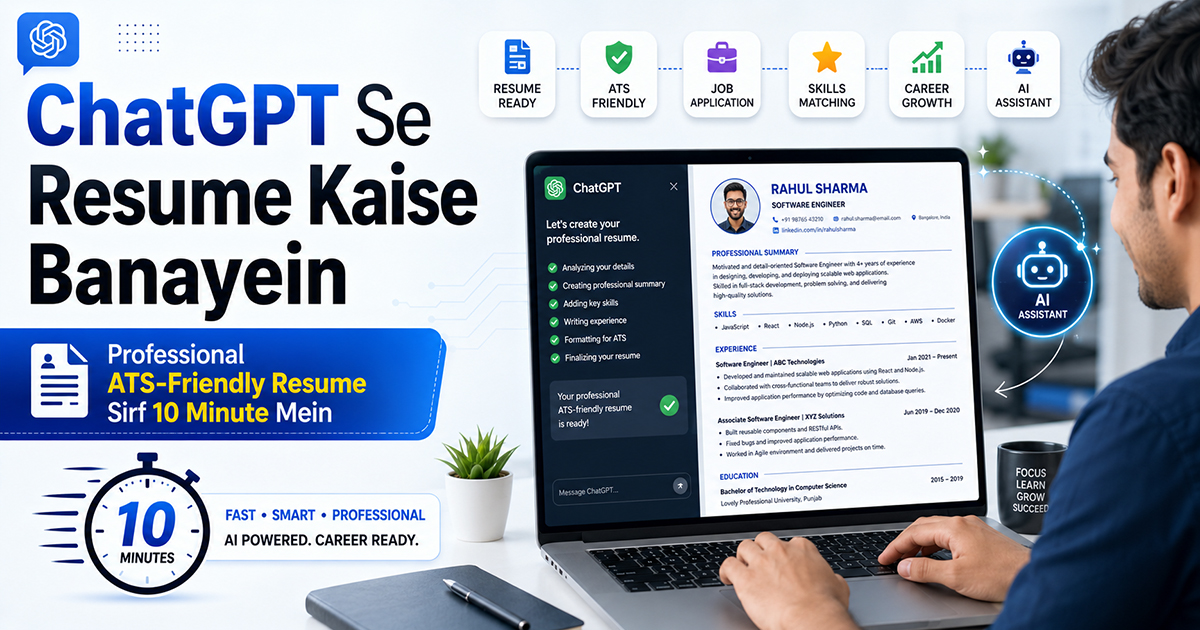
Job apply karna hai, lekin resume banane mein ghante lag jaate hain? Kya likhein, kaise format karein, kaunse skills highlight karein — yeh sab confusing lagta hai.
Good news: ChatGPT yeh kaam aapke liye kar sakta hai — aur woh bhi sirf 10 minute mein.
Is article mein hum step-by-step sikhenge ki ChatGPT se ek professional resume kaise likhwayein , exact prompts ke saath, jo actually kaam karte hain.
ChatGPT Se Resume Banane Ke Liye Kya Chahiye?
Shuru karne se pehle yeh information apne paas ready rakhein:
Apna naam, phone number, email
Education details (college, degree, year)
Work experience (agar hai to) — company name, role, duration
Skills — technical ya soft skills jo aapko aati hain
Target job — kis type ki job ke liye resume banana hai
Bas itna kaafi hai. ChatGPT baaki sab organize kar dega.
Step 1: ChatGPT Open Karo
Browser mein jaao: chat.openai.com
Account nahi hai to free mein sign up karo (Gmail se login ho jaata hai)
New chat open karo
💡 Tip: Free version (GPT-3.5) bhi resume banane ke liye kaafi hai. GPT-4 se results thode better hote hain.
Step 2: Apni Details ChatGPT Ko Do
Seedha resume likhne ko mat bolo. Pehle apni saari details ek message mein do. Neeche wala template copy karo aur apni details fill karo:
Prompt Template:
Mujhe ek professional resume banane mein help karo. Mere baare mein yeh details hain:
Naam: [Apna Naam]
Location: [City, State]
Phone: [Number]
Email: [Email]
Education: [Degree] — [College Name], [Year]
Work Experience: [Company Name] | [Job Title] | [Duration], Kaam: [2-3 lines mein kya kiya]
Skills: [Skills ki list]
Main [Job Title] ki position ke liye apply kar raha/rahi hoon [Company Type] mein. Iske liye ek ATS-friendly professional resume banao.
Step 3: ATS-Friendly Resume Maango
ATS (Applicant Tracking System) ek software hota hai jo companies use karti hain resumes filter karne ke liye. Agar resume ATS-friendly nahi hai, to HR tak pahunchne se pehle hi reject ho jaata hai.
ChatGPT ko specifically bolein:
"Yeh resume ATS-friendly format mein banao — clean headings use karo, bullet points use karo, aur job description ke keywords include karo."
Step 4: Job Description Paste Karo (Pro Tip!)
Yeh sabse powerful trick hai. Jis job ke liye apply kar rahe ho, uski job description copy karo aur ChatGPT ko do:
Prompt:
Yeh job description hai jiske liye mujhe apply karna hai: [Job Description yahan paste karo], Ab mera resume is job ke liye optimize karo — relevant keywords aur skills highlight karo. Isse aapka resume us specific job ke liye tailor ho jaayega aur chances bahut zyada badh jaayenge.
Step 5: Summary / Objective Section Likhwao
Resume ka sabse important part hota hai top pe likha Professional Summary — 3-4 lines jo HR ko pehle nazar mein impress karein.
Prompt:
Mere resume ke liye ek strong professional summary likho — 3-4 lines mein. Main [fresher / X saal ka experience] hoon aur [Job Field] mein kaam karna chahta/chahti hoon. Summary confident aur action-oriented honi chahiye.
Step 6: Skills Section Strong Banao
Aksar log skills section mein generic cheezein likhte hain jaise "good communication" ya "team player" — yeh impress nahi karta.
Prompt:
Mere resume ke liye ek strong skills section banao. Mere paas yeh skills hain: [apni skills likho], Job role hai: [Job Title], Technical skills aur soft skills dono alag-alag list karo.
Step 7: Resume Ko Refine Karo
Pehla draft milne ke baad ChatGPT se improvements bhi karwa sakte ho:
Useful Follow-up Prompts:
"Is resume ko aur professional banao."
"Bullet points ko more impactful banao — action verbs use karo."
"Resume thoda chhota karo — 1 page mein fit karo."
"Fresher ke liye yeh resume optimize karo — experience section remove karke projects add karo."
Step 8: Final Resume Copy Karke Format Karo
ChatGPT plain text mein resume deta hai. Isko properly format karne ke liye:
Option 1 — Google Docs (Free):
- docs.google.com pe jaao
- New document banao
- ChatGPT ka content paste karo
- Font: Calibri ya Georgia, Size: 11–12
- Headings bold karo
- PDF mein download karo (File → Download → PDF)
Option 2 — Canva (Best Looking):
- canva.com pe jaao
- "Resume" search karo
- Free template choose karo
- ChatGPT ka content us template mein paste karo
- PDF download karo
Real Example — Fresher Ka Resume Prompt
Agar aap fresher hain aur pehli naukri dhundh rahe hain, to yeh exact prompt use karo:
"Main ek fresher hoon. Mujhe Digital Marketing Executive ke liye resume banana hai.
- Naam: Rahul Sharma
- Location: Delhi
- Email: rahul@email.com
- Education: B.Com — Delhi University, 2024
- Skills: Social Media Marketing, Canva, Basic SEO, MS Excel, Content Writing
- Internship: XYZ Agency mein 2 mahine Social Media Intern tha — Instagram posts banata tha, analytics track karta tha.
- Projects: College ke liye ek Instagram page manage kiya — 1200 followers badhaye 3 mahine mein.
- ATS-friendly, 1-page professional resume banao."
Common Galtiyan Jo Mat Karo ❌
❌ ChatGPT ka resume as-it-is use mat karo — thoda personalize zaroor karo
❌ Jhooth mat likhwao — skills ya experience jo aapke paas nahi, woh mat add karo
❌ Ek hi resume sabko mat bhejo — har job ke liye thoda customize karo
❌ Spelling/grammar check karna mat bhoolo — ek baar khud review zaroor karo
❌ Photo add karna India mein optional hai — most modern resumes mein photo nahi hoti
FAQ — Aksar Puche Jaane Wale Sawaal
Q1. Kya ChatGPT ka resume free mein ban sakta hai?
Haan! ChatGPT ka free version (GPT-3.5) resume banane ke liye bilkul sufficient hai.
Q2. Kya ChatGPT se bana resume original lagta hai?
Agar aap apni real details doge aur thoda customize karoge, to bilkul professional aur original lagega.
Q3. Fresher ke liye ChatGPT resume kaise different hoga?
Fresher ke liye ChatGPT education, projects, aur internships ko highlight karta hai — work experience ki jagah.
Q4. Resume kitni languages mein ban sakta hai?
Hindi aur English dono mein ban sakta hai. Bas ChatGPT ko language specify karo.
Q5. Kya ChatGPT cover letter bhi likh sakta hai?
Bilkul! Resume ke baad simply poochho — "Ab is resume ke liye ek professional cover letter bhi likho."
ChatGPT se resume banana na sirf fast hai — balki smart bhi. Sahi prompts use karo, apni real details do, aur ek baar khud review karo — ek job-winning resume taiyaar hai!
Kya aapne ChatGPT se resume banaya hai? Experience comment mein share karo!
💬 Comments 5
kuch aur batao chatgpt ke bare me
Yar aisi info kha se late ho aap
Chatgpt ke bare me aur batao, mujhe use karna ikhna hai
helpful article
This is very helpful